40 crosshairs · free · ready to use
Crosshairs
How to install (3 steps)
- Download the crosshair — the zip already has the files with the right names.
- Extract everything into this folder (create the CUSTOM and CROSSHAIR folders if they don't exist):
C:\Program Files (x86)\Steam\steamapps\common\GUNZ THE DUEL\CUSTOM\CROSSHAIR - Launch the game. To go back to the default crosshair, delete the files from the folder.
Installed Steam somewhere else? In Steam: right-click GunZ The Duel → Manage → Browse local files. Then open (or create) CUSTOM\CROSSHAIR.

 Classic ↓ Download
 Simple Cross ↓ Download
 Small Cross ↓ Download
  Forum Dot ↓ Download
 DoubleCross ↓ Download
 Tri XHair ↓ Download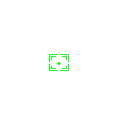
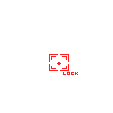 Box Lock ↓ Download
 Vertical ↓ Download
 Star ↓ Download
 XBox ↓ Download
 BR ↓ Download
 Type 1 ↓ Download
  Type 2 ↓ Download
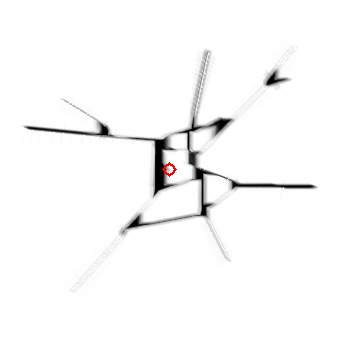 Type 3 Explosion ↓ Download
 Ebyul Type 2 ↓ Download
 Ebyul Type 4 ↓ Download
 Chamundara ↓ Download
 Lightmaria ↓ Download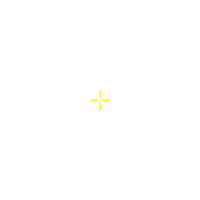
 Pallas Athena ↓ Download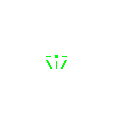
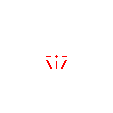 Nick (Olympus) ↓ Download
  Ruzby (KGunZ) ↓ Download
  Sung Goon Revver ↓ Download
 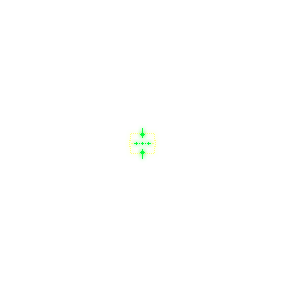 Model ChangMin ↓ Download
 Batanghwamyun ↓ Download
  SNSD ↓ Download
  Leave ↓ Download
  Weird ↓ Download
  Type 2 / 1 ↓ Download
  Type 2 / 2 ↓ Download
  Type 2 / 3 ↓ Download
  Type 2 / 4 ↓ Download
  Type 2 / 5 ↓ Download
  Type 2 / 6 ↓ Download
  Type 2 / 7 ↓ Download
  Type 3 / 1 ↓ Download
  Type 3 / 2 ↓ Download
  Type 3 / 3 ↓ Download
  Type 3 / 4 ↓ Download
  Type 3 / 5 ↓ Download
  Type 3 / 6 ↓ Download
 When the preview shows two images, the second one is the locked-target crosshair (crosshair_pick), included in the zip.